0of15read0 XP
What's on your disk, and what "encrypted" actually means
Examine what is actually stored on a laptop's hard drive in everyday language: files, folders, apps, and the operating system itself, all sitting on one piece of storage that remembers when the power is off.
- Time
- 20–25 min
- Type
- exercise
- Bloom
- Apply → Create
- XP
- 100

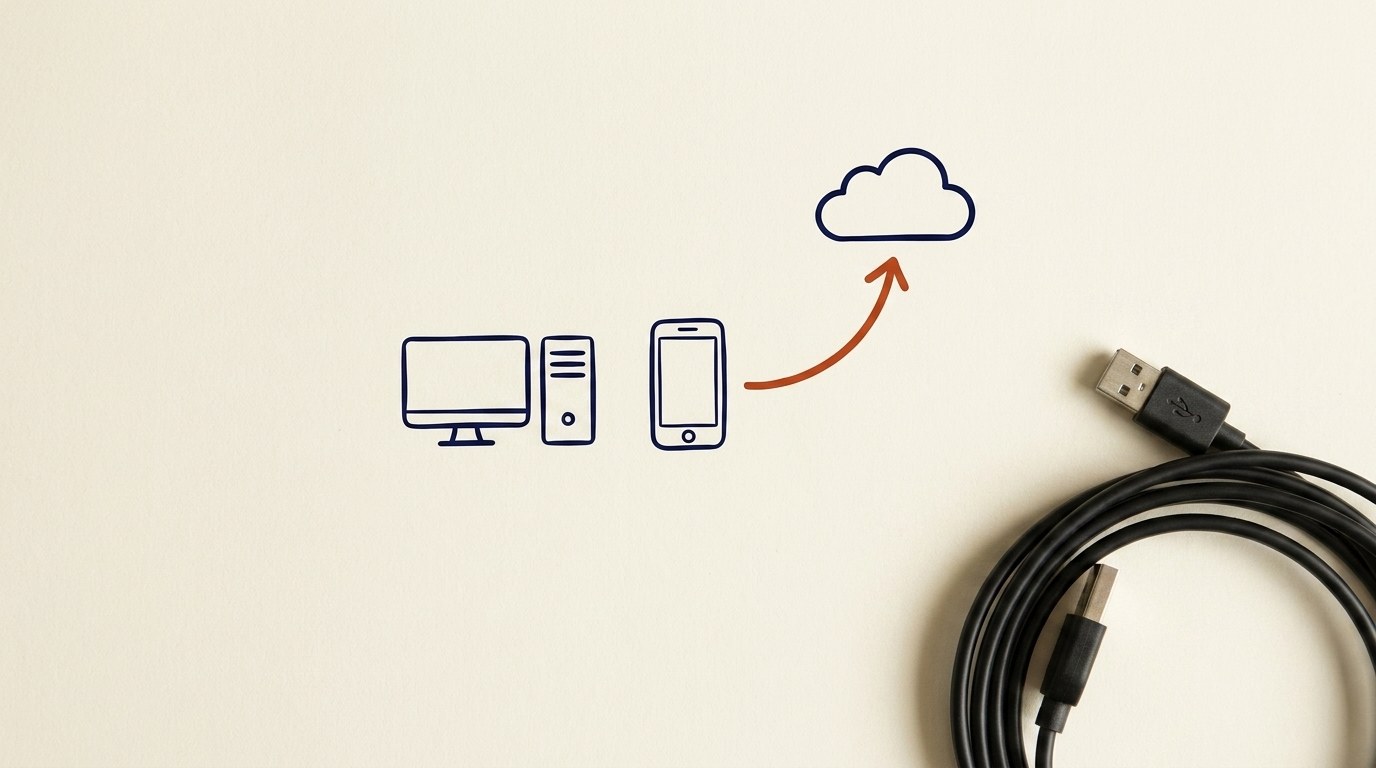
Architecture diagram for What's on your disk, and what "encrypted" actually means. Create a two-panel comparison diagram contrasting an unencrypted laptop drive with a full-disk-encrypted one, both shown powered off. Left panel labeled "Not Encrypted": a hard drive chip with a thief's hand pulling it out and plugging it into a second computer, the screen showing clearly readable files (photos, documents, saved passwords) in plain text. Right panel labeled "Encrypted (FileVault / BitLocker)": the same chip pulled into the same second computer, but the screen shows scrambled gibberish characters, with a small lock icon and a key symbol labeled "key locked behind your password." Across the bottom, a thin band labeled "Protects when OFF or LOCKED" under both panels, and a separate greyed-out band labeled "Does NOT protect: unlocked screen, websites, AI tools" to mark the scope limit. Use the dark Technical Sublime palette: gold accents on near-black background. Style as a clean schematic, analogy-forward, minimal text labels.
You'll be able to
- Examine what is actually stored on a laptop's hard drive in everyday language: files, folders, apps, and the operating system itself, all sitting on one piece of storage that remembers when the power is off.
- Explain what "encrypted" means using the secret-code analogy (scrambling files into nonsense unless the key, locked behind your password, unscrambles them), and state clearly that encryption does NOT protect an unlocked screen or data sent to websites and AI tools.
- Distinguish full-disk encryption (FileVault on a Mac, BitLocker on Windows) from a sign-in password, and explain why a strong login password alone does not protect your files if the laptop is stolen while powered off.
- Diagnose whether your own laptop is currently locked or wide open at rest by finding and reading the encryption setting (Privacy & Security → FileVault on Mac, or Settings → System → About → Device encryption/BitLocker on Windows).
- Classify everyday situations by whether encryption actually protects the data: it covers the stolen-and-powered-off case, but NOT an unlocked screen, websites, apps, AI tools, or unencrypted external drives.
Key concepts · tap to reveal
1/15·Watch·Beat 1 · Hook
0%
Hook
If someone walked off with your laptop right now, could they read every file on it?
# task Write a prompt that asks Claude to recommend the right AI setup for a real task you're facing — then weigh its answer against this lesson, "What's on your disk, and what "encrypted" actually means."
▸ console ready. write a prompt below and press ↵ to run it with Claude.

Exercise · scenario
A consultant's laptop is stolen from her car while it is fully powered off. She is not worried because she set a 16-character sign-in password that nobody could guess. The laptop does not have full-disk encryption turned on. The thief removes the drive, connects it to another computer, and browses the files directly.
Deliverable
Without changing any settings yet, audit the encryption-at-rest status of your own devices and write a short **Device Encryption Map**. Check your primary laptop using the path for your operating system (Mac: Apple menu, System Settings, Privacy & Security, FileVault; Windows: Settings, System, About, Device encryption settings or BitLocker). Then check any external drive, USB drive, or backup drive you regularly use.
Reveal model answer
The files are exposed: the password guards only the login screen, and without encryption the drive is readable on another computer
Practice · Scenarios
0 of 8 revealed
Scenario 1 of 8
An employee steps away from his desk for ten minutes, leaving his laptop open and signed in. His laptop has BitLocker turned on. A passerby sits down at the unlocked screen and reads through his open email and files without typing any password.
Sources
Submit your work for review
Paste your capstone artifact below. You'll get back a 4-level rubric grade, per-criterion feedback, and three concrete edits to strengthen it.