0of15read0 XP
Data at rest, in motion, in use
Classify anything on your own device into one of the three places data lives: sitting still (at rest), moving (in motion), or being used (in use), and point to a real example of each.
- Time
- 20–25 min
- Type
- exercise
- Bloom
- Apply → Create
- XP
- 100

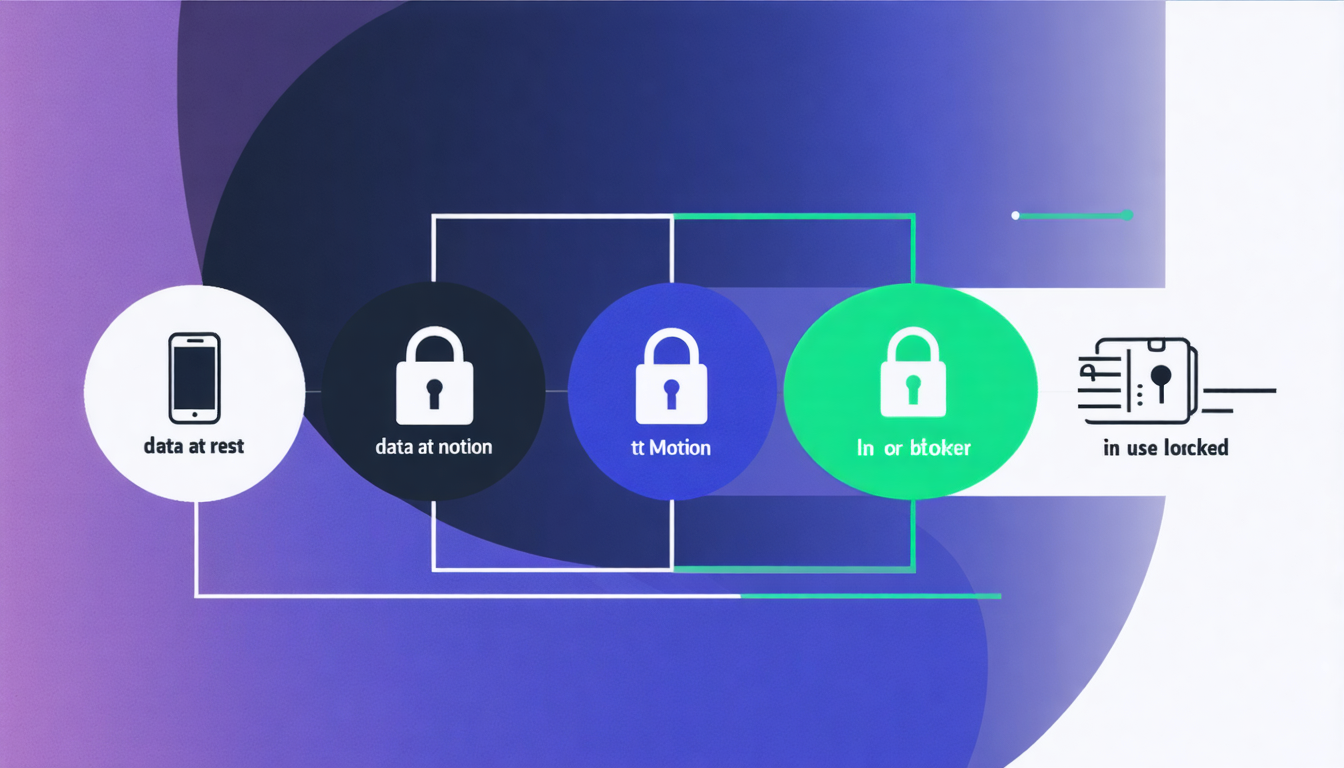
Architecture diagram for Data at rest, in motion, in use. One piece of information (a small document icon) passing through three labeled zones from left to right, with each zone showing its matching lock. Zone 1 'Data at Rest' (a hard drive or phone icon, near-black background) with a closed-padlock labeled 'Full-disk encryption: FileVault / BitLocker' and a small caption 'only while device is off or locked'. Zone 2 'Data in Motion' (an arrow crossing a network cloud) with a browser-address-bar padlock labeled 'TLS: the secret-code tunnel' and a caption 'hides it from eavesdroppers in between, not the destination'. Zone 3 'Data in Use' (a screen or server with an eye icon) with a document-with-signature labeled 'Privacy policy + contract' and a caption 'a promise, not a lock: the company can read it'. Below the three zones, add a thin timeline strip showing the five-step AI message journey (type = use, send = motion, AI reads = use, answer returns = motion, saved = rest) with a callout on step 3 reading 'the AI company can see exactly what you wrote'. Style: dark technical-sublime, gold accents on near-black, clean labels, no label touching a connector line.
You'll be able to
- Classify anything on your own device into one of the three places data lives: sitting still (at rest), moving (in motion), or being used (in use), and point to a real example of each.
- Distinguish the three locks that protect data in each place: full-disk encryption (FileVault or BitLocker) for data at rest, the browser padlock (TLS, the secret-code tunnel) for data in motion, and a privacy policy or contract for data in use.
- Explain which of the three places an AI tool sees your message in when you hit send, and why the browser padlock does not hide your message from the AI company itself — because the company is the destination and must read it in plain text to answer you.
Key concepts · tap to reveal
1/15·Watch·Beat 1 · Hook
0%
Hook
Your laptop is doing three different things with your data right now, and most people cannot name which is which.
# task Write a prompt that asks Claude to recommend the right AI setup for a real task you're facing — then weigh its answer against this lesson, "Data at rest, in motion, in use."
▸ console ready. write a prompt below and press ↵ to run it with Claude.
Exercise · scenario
A photo sits in your phone's camera roll while the screen is off and the phone is in your pocket. Nobody is opening it, sending it, or editing it. It is simply stored on the phone's internal flash memory.
Deliverable
Pick one thing you sent or saved in the last hour. A text, an email, a photo, a document, or a message you typed to an AI. You will write a short **Three-Places Trace** (a simple note) that walks that one item through all three places.
Reveal model answer
Data at rest
Practice · Scenarios
0 of 8 revealed
Scenario 1 of 8
An email is open on your screen right now. You are reading it. The text is loaded in your computer's memory and your mail program is actively displaying it to you.
Common misconceptions
“The padlock in my browser means the whole conversation is private”
The padlock hides what you send from people watching the network in between. It does not hide it from the website or AI company you are sending it to. They have to be able to read it to do anything with it. Private from eavesdroppers, not private from the destination.
Sources
Submit your work for review
Paste your capstone artifact below. You'll get back a 4-level rubric grade, per-criterion feedback, and three concrete edits to strengthen it.